
How it works
Keep the score at a crazy golf, mini golf or foot golf course on the phone in your pocket. Here is how a round goes.
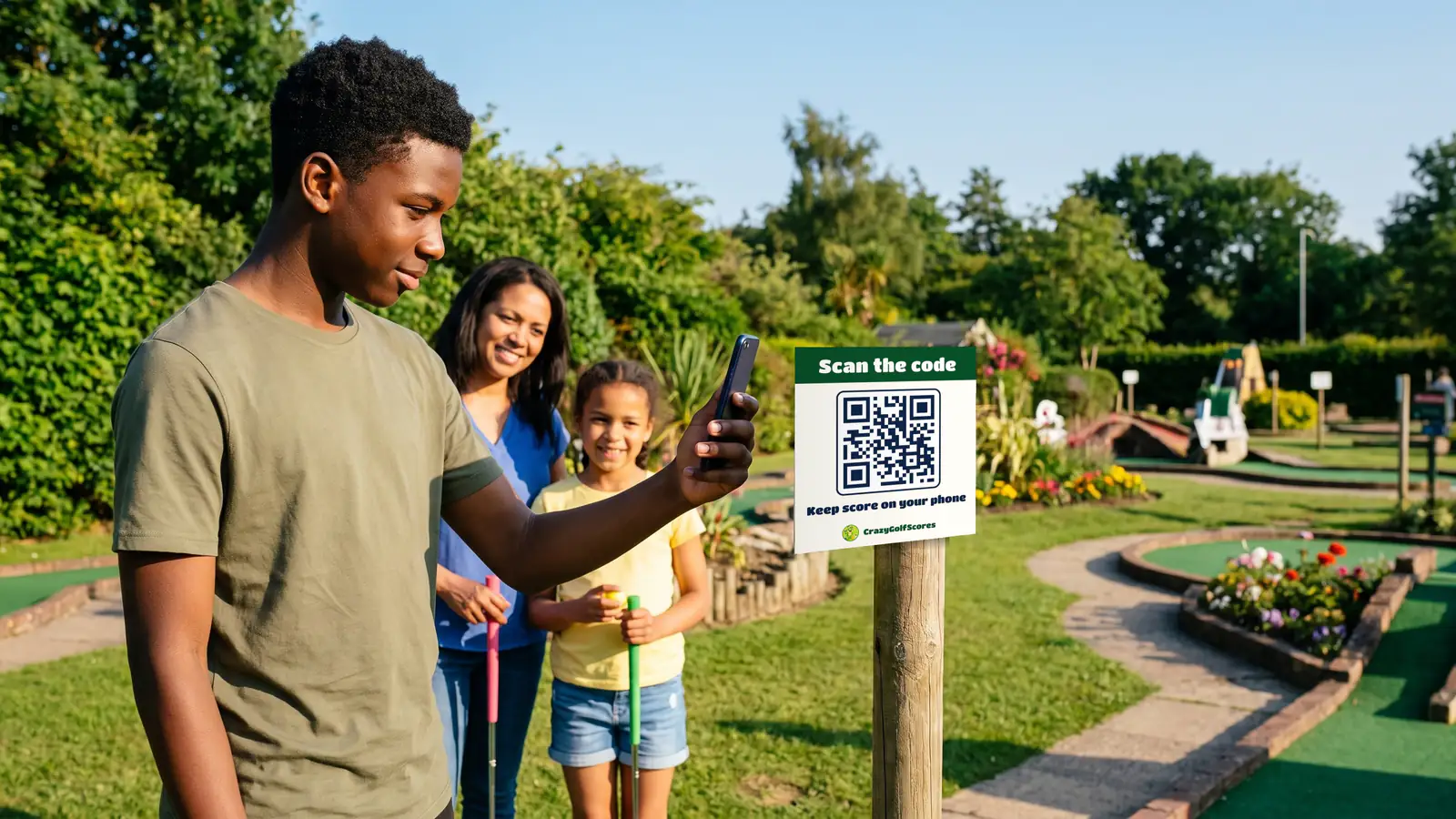
From the first tee to the winner
Step 1: Scan the code at the course
Venues that use CrazyGolfScores put a code at the entrance and where you pay. Point your phone's camera at it and the course opens. No code? Find the course on the map instead.
Step 2: Nothing to download
It works in your phone's browser, so there is no app to find in a store and nothing to install while everyone waits at the first tee.
Step 3: No sign-up to play
Add the players' names, or leave them as Player 1 and Player 2, and start. Rounds save on the phone you scored them on.
Step 4: Tap the scores
Each hole starts with a score filled in. Tap minus or plus to change it, and it saves as you go. Somebody turned up late? Add them at any hole.
Step 5: The card adds itself up
At the last hole it names the winner, ranks everyone, and keeps the full card hole by hole. No pencils, no sums.
Step 6: Save and share
Save the card to keep it. With an account you can share the result with the group, and keep every round rather than the last 30 days on this phone.
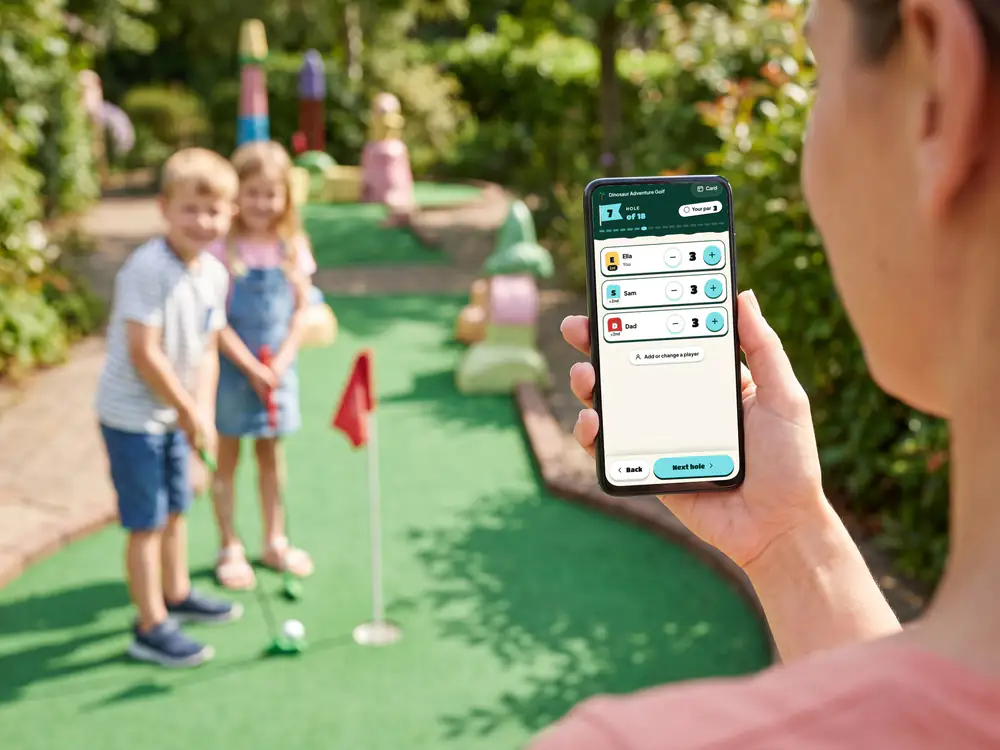
The card, on your phone 
Everyone checks the scores 
And the winner is… 
Sharing the result
Offers from the courses you play
Some venues thank you for playing with an offer, such as money off your next visit or a treat at the café while you play. Each one says how long you have to use it, and whether it is once or as often as you like.
Step 1: Spot an offer
A venue's offer is on its page. A course can also have one for while you play, which shows under the scores from halfway round. It never gets in the way of scoring.
Step 2: Sign up to keep them
Signed in, the offer is saved to Offers in your menu straight away. If you are not, sign up there and then and it is yours.
Step 3: Show your code to staff
Your account has one code of its own, under My code. Show it at the counter and staff scan it to use the offer. They see the offer, never your name or email.
An example offer
50% off your next visit
Come back and play again for half price.
Use it within 30 days, once
Each venue sets its own offers and terms.
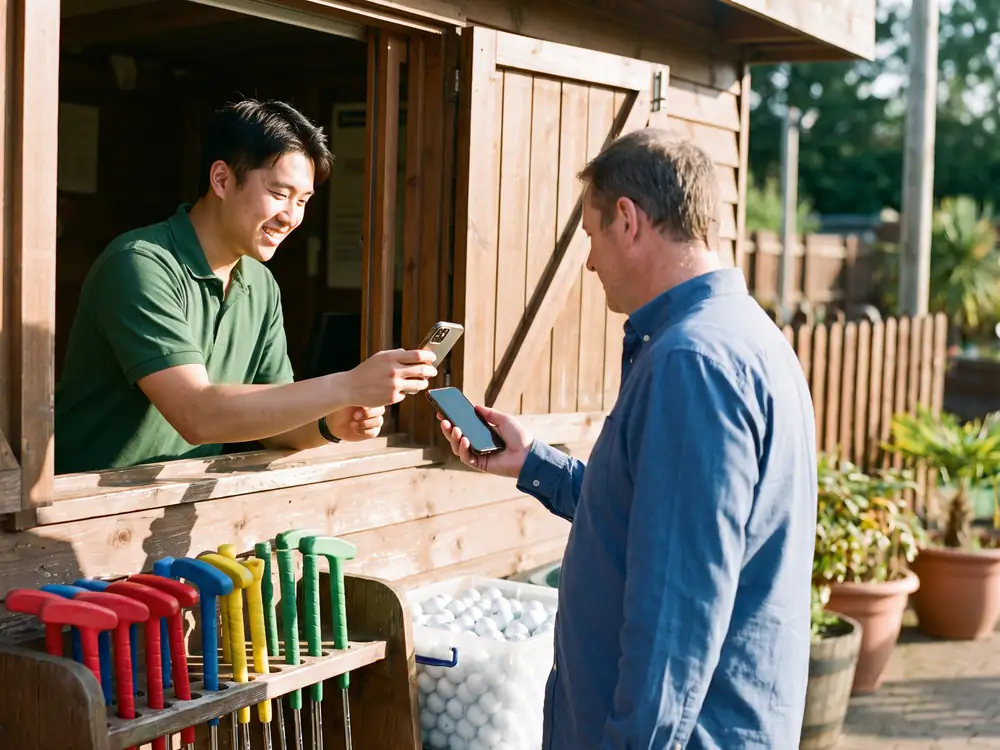
Staff scan your code at the kiosk 
Or at the café counter
Ready for a round?
Find a course, or make an account to keep your cards and offers.